
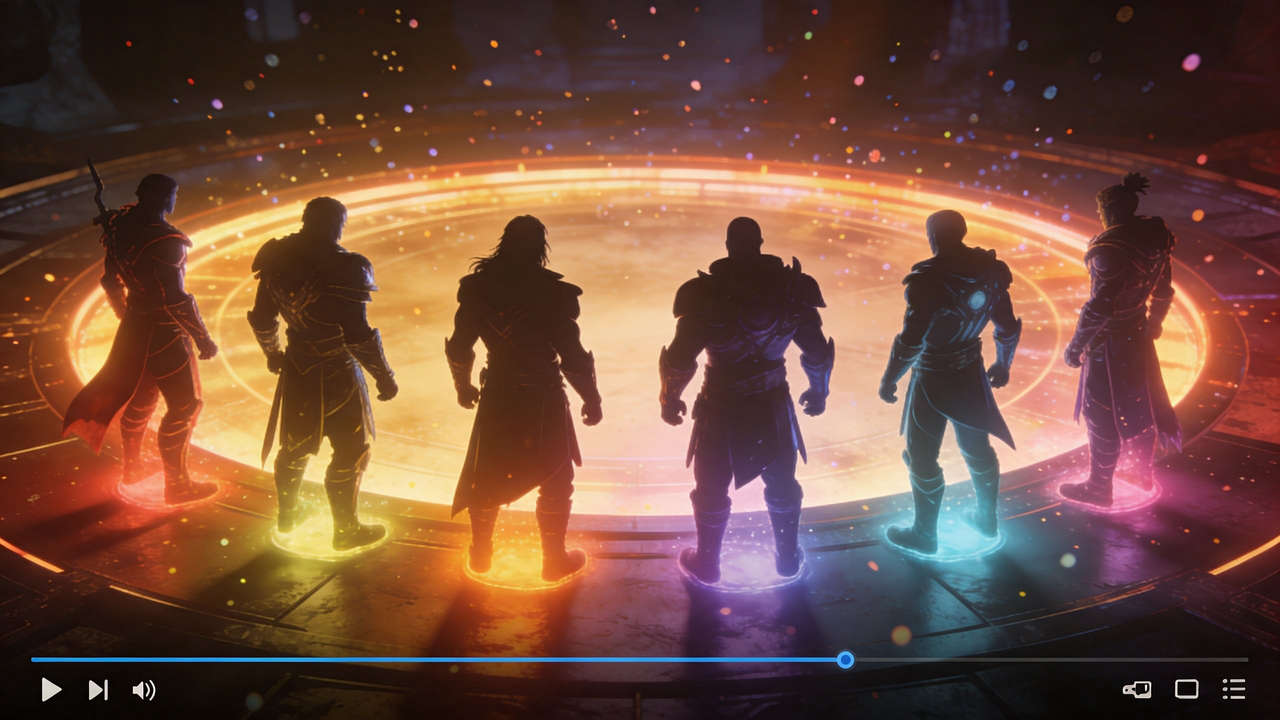
Few moments excite a gaming community like a roster reveal. One by one, new characters step into the spotlight, each with a signature pose, a catchphrase, and a hint of the abilities that will change how the game is played.
Community managers and indie studios often struggle to produce that level of polish for every announcement, but an AI video generator can help turn character art into animated introductions. This guide explains how to design a memorable roster, choreograph individual reveals, and use Seedance 2.5 to produce animated clips that make fans cheer, argue, and speculate.
Why roster reveals build hype
A roster reveal turns a list into a story. Each character is a promise of a new playstyle, a new rivalry, or a new corner of the lore. Fans analyze every detail, share clips, and start debating matchups the moment a reveal drops.
Short animated reveals fit that behavior. They are easy to share, easy to remember, and easy to release on a schedule that keeps the conversation alive for weeks.
Designing a roster fans can tell apart
A roster works when every character has a clear identity. Think in terms of distinct design ingredients:
- Silhouette: a shape that is recognizable even as a black outline.
- Color signature: a dominant color that sets the character apart from the group.
- Role: attacker, defender, support, trickster, or scout.
- Signature prop or ability: a weapon, gadget, or magical effect that defines the look.
- Personality: a posture and attitude that show who they are in one pose.
- Backstory hook: one line that suggests a deeper story.
Avoid designing characters that look too similar. Variety in shape, color, and posture helps each reveal feel fresh.
The anatomy of a single character reveal
A great reveal lasts only a few seconds and follows a clear rhythm. First comes the tease, such as a glimpse of a weapon or a glowing eye. Then comes the entrance, where the character steps into the frame with a distinctive movement. Next is the showcase, a quick display of an ability. The final beat is the pose, with a name card and an iconic line. Writing the four beats in a single sentence gives you a clear prompt structure.
Staging the arena or stage
The environment should reflect the character’s world. A frost mage might emerge from a swirling blizzard, a mechanic from a sparking workshop, and a rogue from a rooftop lit by neon signs. Keep the staging consistent across reveals, such as a shared arena floor or a unifying color grade, so the roster feels like a coherent set. Use lighting to separate the character from the background and highlight their color signature.
Keeping characters consistent across clips
Consistency matters when you release a roster over time. Create a character sheet for each hero, showing front, side, and detail views, and use it as a reference in every generation. Repeat key descriptors, such as costume colors, hair shapes, and prop designs, in each prompt. Seedance 2.5’s character consistency and multimodal references make this easier, and localized editing allows you to fix a small detail, such as an emblem, without redoing the entire clip.
What Seedance 2.5 offers gaming creators
Seedance 2.5 includes tools that suit character-driven content:
- Up to 50 multimodal inputs: character sheets, concept art, motion clips, and audio can guide each reveal.
- Reference-to-video control: green-screen and white-model references can help guide choreography.
- Single clips up to 30 seconds: with Long Video mode from 5 to 180 seconds for a full roster montage.
- Localized editing: change selected elements, adjust camera angles, or remove unwanted objects.
- Native audio: voice lines, effects, and music generated with the visuals.
- Multilingual voice support: useful for global communities.
These tools help you maintain quality and speed as your roster grows.
Step-by-step: create your character reveal in Dreamina
Step 1: Write a text prompt
Visit Dreamina and sign in, then head to the “AI Video” section. Add your prompt to describe the video.
For example: A cinematic character reveal. A hooded sky pirate with a brass grappling gauntlet drops from an airship into a floating arena, landing in a crouch with a burst of golden sparks. The camera circles from a low angle, the pirate rises, smirks, and fires the gauntlet toward the viewer. Dynamic lighting, dramatic game-trailer polish.
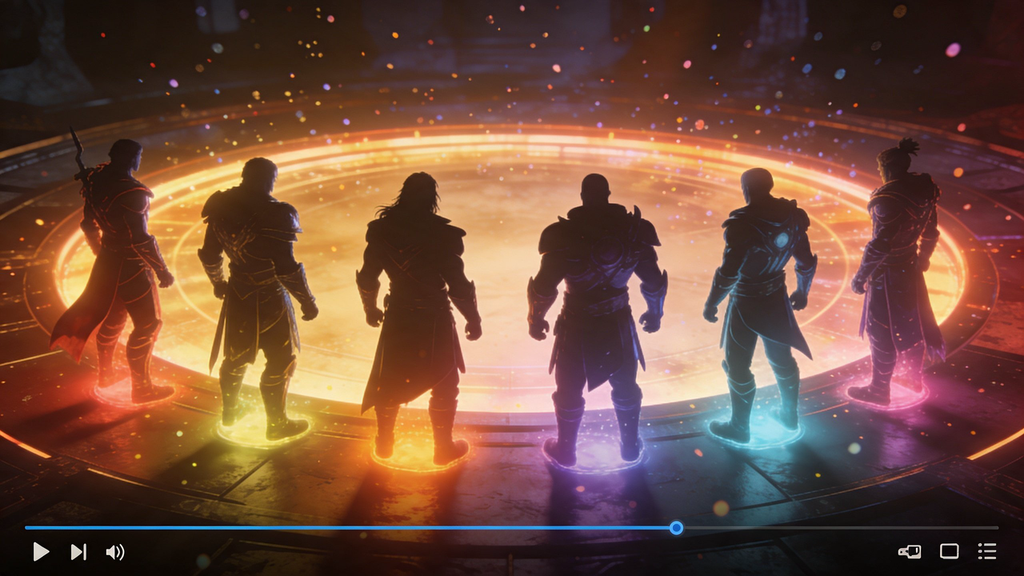
Step 2: Generate your video
After adding your image and prompt, choose the Seedance 2.5 model for the generation. Next, choose the video length, then a suitable aspect ratio: pick 16:9 for YouTube or 9:16 for TikTok. Finally, click Dreamina’s icon and wait a few seconds for processing.
Step 3: Enhance and export the video
Polish your video before saving with Dreamina’s AI editing tools. Use advanced tools like Upscale for higher resolution or Generate soundtrack to add audio. Finally, export your reveal and share it on social media platforms.
Roster teaser formats that keep fans talking
Vary the format to sustain interest:
- The one-by-one drop: a single character reveal posted every few days.
- The shadow lineup: a silhouette lineup with one character illuminated at a time.
- The duo clash: two characters meeting in a short confrontation.
- The ability snapshot: a three-second action clip showing a signature move.
- The full roster montage: a final film that gathers every character in one sequence.
Voice lines, music, and sound identity
Each character should have a sonic identity. A confident taunt, a laugh, or a muttered phrase can define personality in a second. Pair voice lines with a distinct sound motif, such as a metallic chime for a gadgeteer or a deep drum for a brawler. Dreamina’s Generate soundtrack tool and Seedance 2.5’s audio options can help you assemble these layers. Keep the music consistent in style, with a small variation for each character’s theme.
Engaging the community around reveals
Announcements are most powerful when they invite participation. Ask fans to guess a character’s role from a silhouette, vote on a rival pairing, or share fan art inspired by the reveal. Include a clear call to action at the end of each clip, such as a wishlist link or a community channel. Respond to feedback and show how it influences the final designs. The more fans feel included, the stronger the loyalty.
Originality, rights, and honesty
Use original characters and original lore. Avoid mimicking recognizable characters from other games or media. If your reveals use AI-generated footage as concept previews, say so, especially if the final in-game models will differ. Honest communication about what is shown and what is planned protects your relationship with the community.
Final thoughts
Roster reveals are celebrations, and the best ones give every character a moment in the spotlight. With an AI video generator, strong character sheets, and Seedance 2.5 to keep each reveal consistent and polished, you can build anticipation for every hero in your lineup. Design bold silhouettes, choreograph memorable entrances, and let your community cheer.