

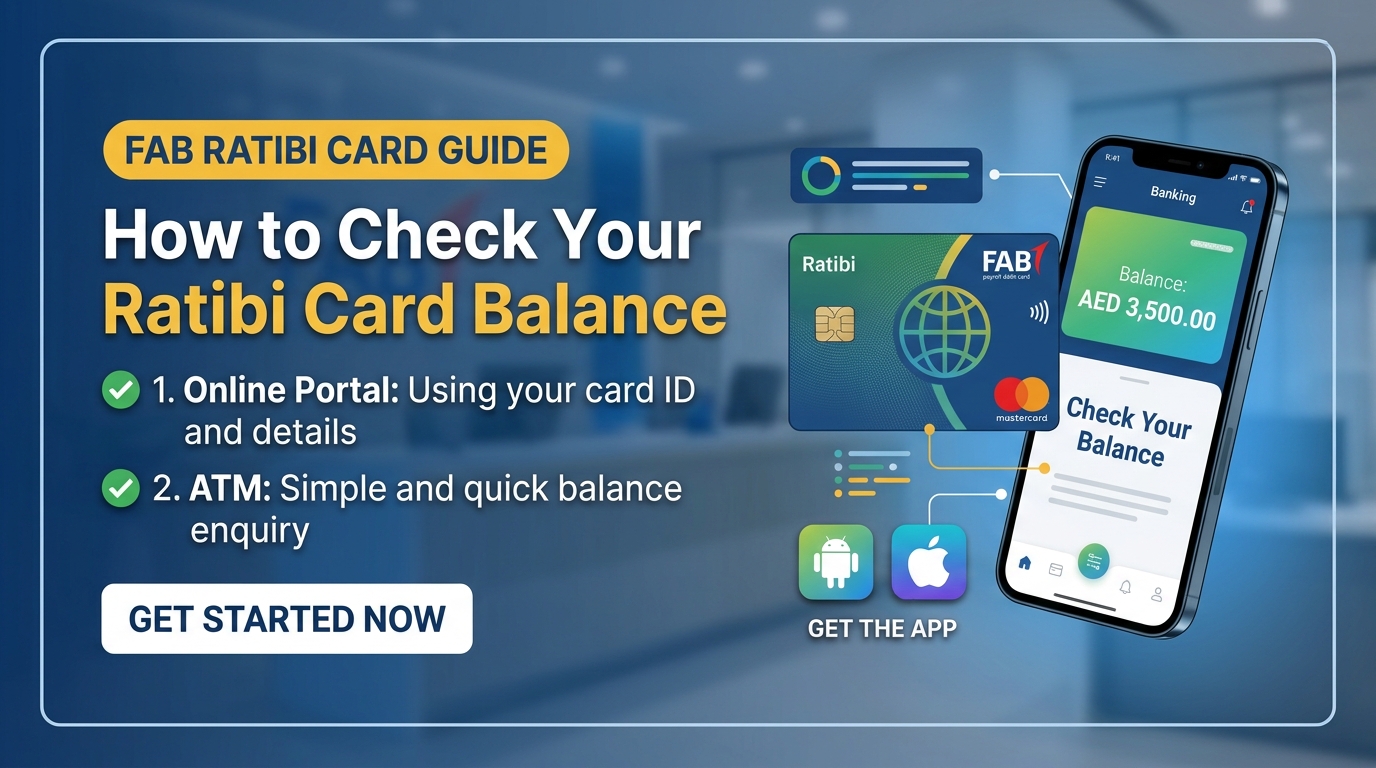
Millions of workers across the UAE receive their monthly wages through a Ratibi prepaid salary card issued by First Abu Dhabi Bank, and learning how to do a ratibi check balance the moment your salary lands is one of the most useful habits any cardholder can build. Whether you are new to the UAE Wage Protection System or you have held a Ratibi card for years, confirming your available funds should take less than two minutes once you know which channel to use.
This guide walks through every official method available in 2026, from the online portal to SMS, ATM, phone banking, and the Payit mobile wallet, so you can pick the option that fits your situation. Each method below explains exactly what information you need before you start and what to do if a step does not work the first time.
What Is a Ratibi Salary Card
The Ratibi card is a prepaid salary card issued by First Abu Dhabi Bank for employees who earn up to AED 5000 per month and do not hold a traditional bank account. Employers use the card to pay wages directly under the UAE Wage Protection System, which is jointly regulated by the Ministry of Human Resources and Emiratisation and the UAE Central Bank.
Cardholders can withdraw cash at ATMs, make purchases at shops that accept card payments, pay utility bills, and send money abroad through linked services. Because the card replaces a full bank account for many low income workers, it has become one of the most widely used salary tools in the country, and keeping track of the balance on it is part of everyday financial life for a large share of the UAE workforce.
Why a Ratibi Check Balance Matters
Running a ratibi check balance on payday confirms that your employer has transferred your wages and lets you plan your spending before you leave the house. It also protects you from failed transactions at the till, declined ATM withdrawals, and the frustration of discovering a shortfall only after you have already queued to pay.
Regularly reviewing your balance and recent transaction history helps you spot any charge you do not recognize, which matters because prepaid cards can become a target for fraud if a card number or PIN is ever exposed. For workers who send money home every month, checking the balance first also avoids attempting a remittance that is larger than the funds actually available, which can trigger a failed transfer and sometimes a fee.
How to Do a Ratibi Check Balance on the Official Online Portal
The fastest official channel for a ratibi check balance is the PPC Magnati inquiry portal, which does not require a login, an app, or a bank account. To use it, open the portal on any phone or computer browser and locate the balance inquiry page.
You will need the last four digits of the sixteen digit number printed on the front of your card, along with your Card ID, which is found on the paper carrier that came inside the envelope your employer gave you when the card was issued. Enter both numbers along with the captcha text shown on the screen, then submit the form to see your balance instantly.
If you have lost the paper carrier and cannot find your Card ID, the fastest fix is to visit any First Abu Dhabi Bank branch with your Emirates ID, where staff can retrieve or reissue the details for you.
How to Check Your Ratibi Balance by SMS

SMS banking is the best option when you do not have internet access or you are using a basic phone without a data plan. Open the messaging app on your registered mobile number, compose a new message with the balance request keyword, and send it to the short code linked to your card. The short code and exact keyword can vary depending on how your card was registered, so the safest approach is to check the number printed on your card welcome pack or confirm it once with customer care so you can save the correct number for future use. A reply arrives within seconds showing your available balance, and a small fee per message may apply depending on your mobile operator.
How to Check Your Ratibi Balance at an ATM
Checking your balance at an ATM works even if you have never registered for online or mobile banking. Insert your Ratibi card into any ATM in the UAE, enter your four digit PIN, then select Balance Inquiry from the on screen menu to see your available funds immediately.
Using a First Abu Dhabi Bank branded ATM is usually free, while ATMs belonging to other banks may charge a small inquiry fee, so it is worth locating a FAB machine nearby if you plan to check your balance often.
You can also print a receipt at the end of the transaction if you need a paper record of your balance for personal budgeting or as proof for an employer or landlord.
How to Check Your Ratibi Balance Through Phone Banking
Phone banking is a reliable backup when the portal is down or you cannot find a nearby ATM. Call the First Abu Dhabi Bank customer service line from any UAE phone number, select your preferred language when prompted, and enter your sixteen digit card number when the automated system asks for it.
Follow the remaining voice prompts to reach the balance inquiry option, and the system will read your current balance back to you before offering to repeat your recent transactions. This channel is available around the clock, and while standard call charges from your mobile or landline provider apply, the bank does not charge an additional fee for the balance check itself.
How to Check Your Ratibi Balance With the Payit App
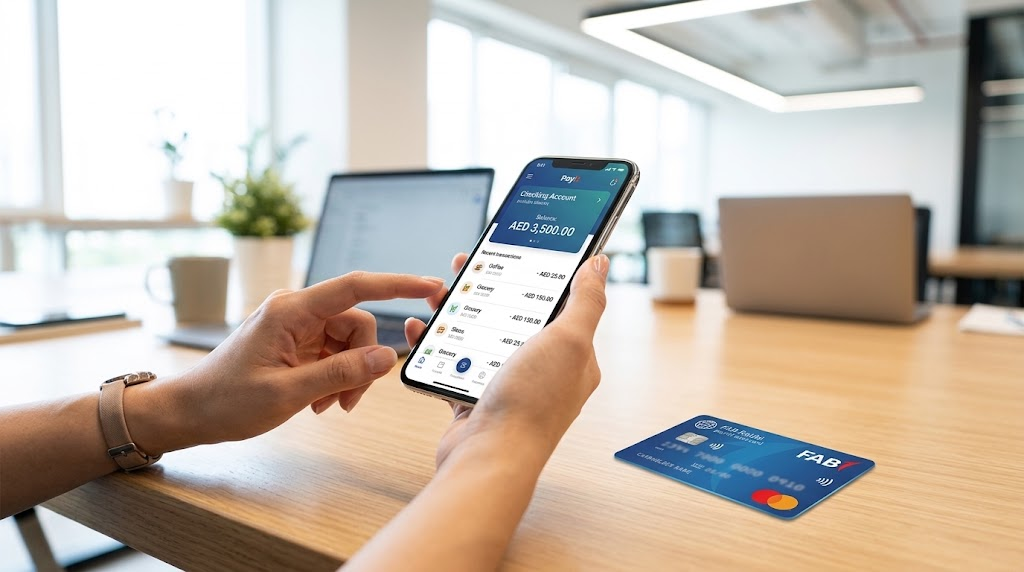
The Payit digital wallet, powered by First Abu Dhabi Bank, gives Ratibi cardholders a mobile app option that goes beyond a simple ratibi check balance. After downloading the app and completing the short registration with your card details, you can link your Ratibi card and view your balance from the home screen at any time, alongside your full transaction history.
Payit also offers a money on demand feature that lets eligible cardholders request an advance of up to half of their expected salary before payday, plus tools for sending money to more than two hundred countries and paying bills such as Etisalat, du, Salik, and Mawaqif directly from the app. Because everything happens inside one app, many workers find it more convenient for daily use than switching between SMS, ATM, and phone banking separately.
Comparing All Ratibi Balance Check Methods
Every method above reaches the same result, but they differ in speed, cost, and what you need to have on hand before you start. The table below lines up the five main channels side by side so you can decide which one fits your situation right now, whether you have a smartphone in hand or only a basic phone with no data connection.
| Method | What You Need | Speed | Typical Cost |
| PPC Magnati Portal | Last 4 card digits, Card ID, captcha | Instant | Free |
| SMS Banking | Registered mobile number | Seconds | Small SMS fee |
| ATM | Card and 4 digit PIN | Instant | Free at FAB ATMs |
| Phone Banking | Full 16 digit card number | 1 to 2 minutes | Standard call rate |
| Payit App | Card details for linking | Instant | Free |
Common Problems When You Try a Ratibi Check Balance
A few issues come up often when you run a ratibi check balance, and they are worth addressing directly. If the online portal will not accept your entry, double check that you are entering exactly four digits from your card number, since entering two digits or the full sixteen digit number will cause the form to reject your request.
If your balance shows as zero or lower than expected on payday, remember that WPS salary transfers are sometimes processed later in the day or can be delayed by a day if the date falls on a weekend or public holiday, so it is worth checking again after a few hours before assuming there is a problem.
If you have lost your card entirely, report it immediately through the phone banking line to freeze it, then visit a branch with your Emirates ID to arrange a replacement, since a blocked card cannot be used for balance checks or transactions until it is reissued.
Frequently Asked Questions
Is there a fee to check my Ratibi balance?
Checking your balance through the official online portal, the Payit app, or an ATM belonging to First Abu Dhabi Bank is free of charge. SMS balance requests may carry a small fee from your mobile operator, and ATMs belonging to other banks can charge a inquiry fee of around one to two dirhams, so using a FAB machine or the online portal is usually the cheapest option.
What do I need before I check my Ratibi card balance online?
You need the last four digits of the sixteen digit number printed on the front of your card, along with your Card ID from the paper carrier your employer gave you. You also need to be able to read and enter the captcha shown on the portal page, since this step confirms that a person, not an automated script, is making the request.
Can I check my Ratibi balance without a smartphone?
Yes. The SMS method, ATM method, and phone banking method all work on a basic phone or without any internet connection at all. Only the Payit app requires a smartphone with a data connection, so anyone with a basic phone still has three reliable ways to see their balance.
Why does my Ratibi card show no new balance on payday?
Salary payments made through the Wage Protection System are sometimes processed later in the day than expected, and transfers scheduled for a weekend or public holiday can be delayed until the next working day. If your balance has not updated by the afternoon of payday, check again a few hours later before assuming there is an issue with your account.
What should I do if I forget my Card ID?
Visit any First Abu Dhabi Bank branch with your Emirates ID and ask staff to retrieve or reissue your Card ID. Branch staff can also help if your paper carrier has been lost or damaged, since the Card ID printed on it cannot be recovered through the online portal alone.
