
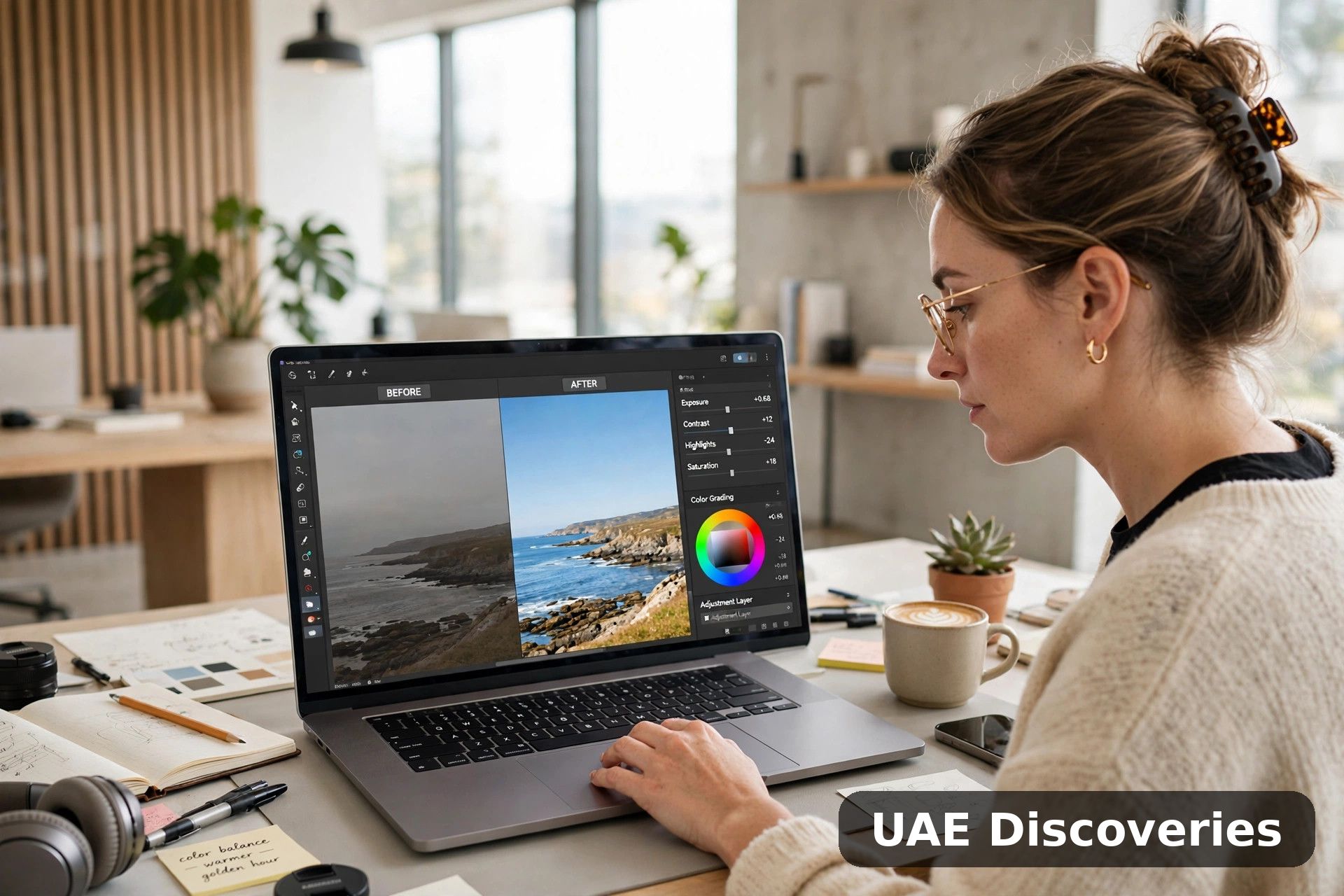
Not long ago, rescuing a blurred or badly lit photo meant hours of skilled manual work. The spread of ai photo editing has changed that, putting one-click enhancement and animation within everyone’s reach.
These tools no longer just apply filters. They read the content of an image, rebuild missing detail, remove distractions and even set a still photograph in motion.
This guide explains how the technology works, how enhancement and video generation combine in one workflow, and what to check before choosing a tool for your own projects.
1. From Manual Adjustments to Intelligent Editing
Traditional editing meant moving sliders for brightness, contrast and sharpness, then judging the result by eye. Filters sped things up but applied the same recipe to every photograph, whatever it showed.
AI editing starts from the picture itself. Models trained on huge image libraries recognise faces, skies, text and textures, then decide which corrections each area actually needs.
That content awareness is the real shift. Instead of uniform adjustments, each photograph gets targeted repairs, and results that once needed an expert can now happen automatically in seconds.
2. AI Photo Enhancement
Enhancement tools target the flaws that ruin otherwise good shots: soft focus, camera shake, dim lighting and low resolution. Machine learning models rebuild plausible detail rather than simply sharpening edges.
The core capabilities most enhancers now offer include:
- Sharpening and upscaling: clarifying soft detail and increasing resolution for larger prints and displays.
- Noise reduction and reconstruction: removing grain from low-light shots and rebuilding lost texture.
- Portrait refinement: smoothing and enhancing facial features while keeping them natural.
- Colour and exposure correction: balancing light and tone across the whole frame.
Browser-based enhancers have made these fixes especially accessible, with no installation and no steep learning curve. They suit old photo restoration, social media visuals and everyday marketing images alike.
3. Turning Static Photos into Videos
Image-to-video tools take a single photograph and generate motion from it. Typical results include a slow camera pan, drifting clouds, flowing water or a gentle zoom towards the subject.
Most generators work in a similar way: upload a photo, pick a template or describe the movement in a text prompt, then review the short clip the model produces.
The results are short and stylised rather than true footage, but they hold attention far better than a static image. For social posts and product pages, that difference matters.
how image-to-video generation works
Where AI Editing Still Gets It Wrong
AI output needs a careful eye before anything is published. Models can invent texture that was never there, distort hands and faces, garble text and smooth skin into something waxy and unreal.
Video generation has its own tells, including objects that morph between frames and motion that ignores basic physics. A quick zoomed-in review catches most problems before your audience does.
Treat AI as a fast first draft rather than a finished product. Keeping the original file untouched means you can always step back when an enhancement goes too far.
4. Combining Enhancement and Video in One Workflow
Enhancement and animation work best as a pair, in that order. Cleaning up a photograph first gives the video model better material, and the finished clip looks noticeably sharper.
- Choose a well-composed photo with a clear subject.
- Enhance clarity and resolution, checking the result still looks natural.
- Animate the upgraded image with a template or a text prompt.
- Review the clip closely, then export and share it.
Work on a copy, not your only original, and keep each stage’s output. If the animation disappoints, you still have the enhanced still, which may be all a post actually needs.
5. Choosing the Right AI Tool
The right tool depends on your workload, your skill level and how much control you want. A few checks separate a helpful editor from a frustrating one.
- Ease of use: an interface a beginner can understand without tutorials.
- Output quality: natural-looking enhancements and clean, crisp video exports.
- Customisation: useful templates plus prompt controls when you need precision.
- Privacy and pricing: clear data-handling policies and fair free or credit-based options.
Also decide where you prefer to work. Browser tools need no installation and suit quick jobs, while desktop software generally offers deeper control and better handling of large batches.
Ethics and Disclosure: Using AI Edits Responsibly
Powerful editing carries responsibilities. Passing off a heavily generated image as an unaltered photograph can mislead viewers, especially in news, advertising and product listings where accuracy matters.
Only edit photographs you own or have permission to use, and be careful with other people’s faces. Many platforms now label AI-generated content, and provenance tools are becoming more common.
content credentials and AI provenance standards
A simple habit covers most situations: disclose significant AI changes where the audience might reasonably assume a photograph is untouched. Honesty protects your credibility far better than a perfect image.
Looking Ahead
The direction of travel is clear: a photograph is becoming a starting point rather than a finished product. One capture can become a restored print, a social image and a moving clip.
Human judgement still matters at every stage. People choose the photograph, direct the edit and catch the inconsistencies that models miss, and that oversight keeps the results believable.
Frequently Asked Questions
Can AI enhancement really restore old or damaged photos?
It can improve them dramatically, rebuilding faded detail, reducing scratches and sharpening soft faces. Results depend on the source, though, and severely damaged areas are reconstructed plausibly rather than recovered exactly.
Do I need a powerful computer for this kind of editing?
Usually not. Browser-based tools run the heavy processing on remote servers, so a modest laptop or tablet is enough. Desktop software may ask for more, especially for video work.
How long should an AI-generated video clip be?
Most image-to-video tools produce clips of only a few seconds. That suits social feeds, stories and product highlights, where short looping motion works better than long generated sequences.
Will AI editing replace photographers and editors?
It changes their work more than it replaces it. AI absorbs repetitive corrections, while people still direct shoots, choose images and make the creative calls that give a project its character.
Conclusion
AI has turned photo editing from a specialist chore into an everyday capability. Enhancement repairs the shots you already have, and image-to-video gives them a second life as moving content.
Start with one favourite photograph, enhance it, animate it, and review the result honestly. That small experiment teaches the workflow faster than any amount of reading about it.