
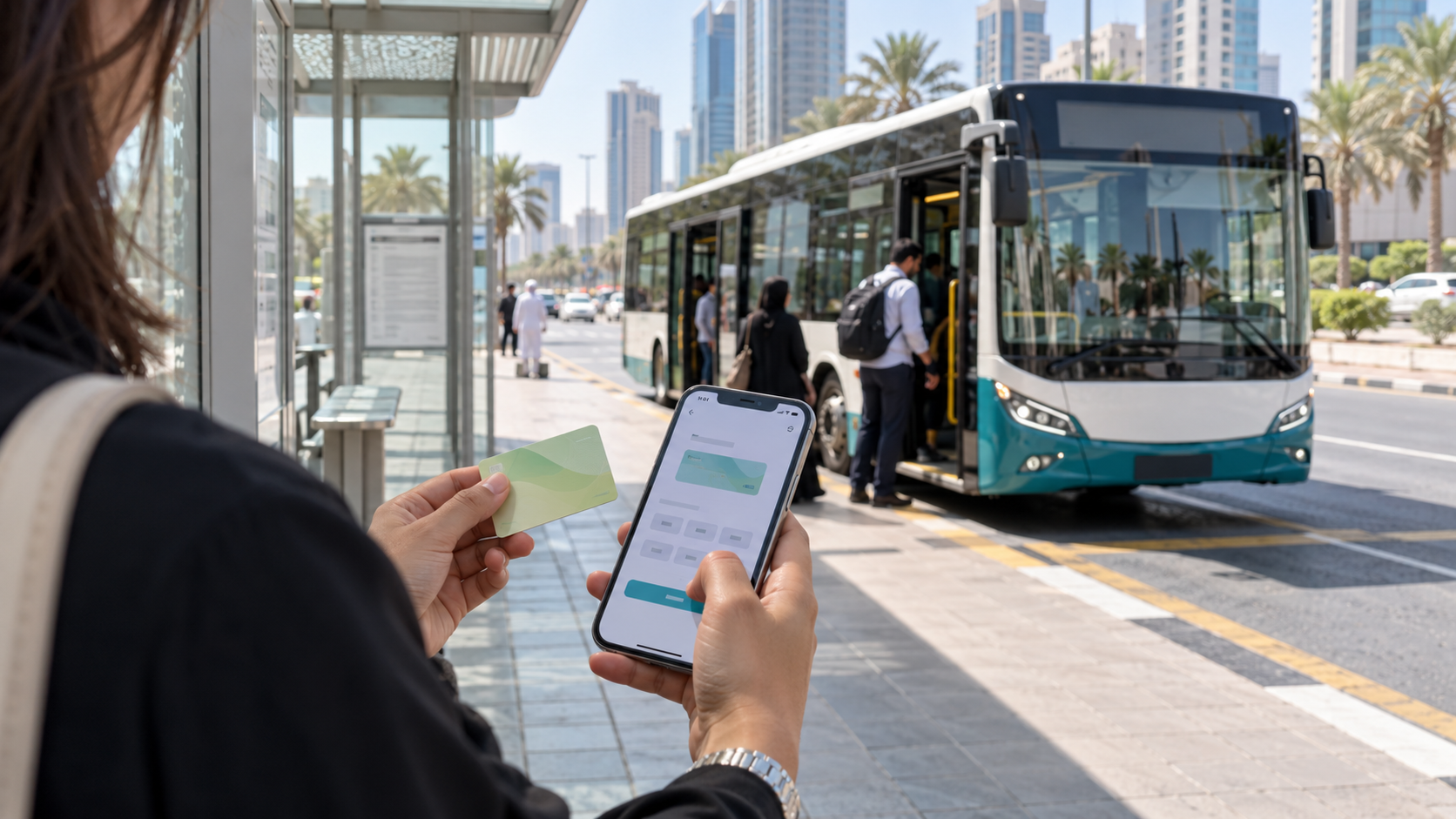
Hafilat recharge is the process of adding credit to your Hafilat smart card, the bus card run by Abu Dhabi Mobility (formerly the Integrated Transport Centre). If you ride buses in Abu Dhabi, Al Ain or Al Dhafra, you either top up online from your phone or do it in person at a machine or counter. Picking the right channel decides whether your credit lands in two hours or in two seconds.
What Do You Need Before a Hafilat Recharge?
Have the card in your hand, because you need its 16-digit serial number for any online top-up. For the TAMM route, you also need a UAE PASS login. Bring a bank card or wallet for online payment, or cash for a machine.
Know three limits before you pay. A card holds AED 150 at most. Credit stays valid for 3 months from the recharge date. And Abu Dhabi Mobility says balance refunds do not apply to any Hafilat card type, so top up what you will use.
Online and MBME recharges reach the card after about two hours. Machines and Customer Happiness Centres update it immediately.
How Do You Recharge a Hafilat Card?
You can do a Hafilat recharge online through the TAMM app, the TAMM website, the Hafilat website, the Abu Dhabi Mobility app or Payit, or offline at a ticket machine, a recharge machine, an MBME machine or a Customer Happiness Centre.
How Do You Do a Hafilat Recharge in the TAMM App?
TAMM is Abu Dhabi’s official government services app, and it carries a dedicated Hafilat top-up service that needs no documents.
- Download the TAMM app from the Apple App Store or Google Play and sign in with UAE PASS.
- Tap Services, then Drive & Transport.
- Open Top up Public Transport Card (Hafilat).
- Enter your Hafilat card number and choose the top-up amount.
- Pay by card and save the confirmation.
Why this matters: TAMM is the route Abu Dhabi Mobility promoted for online top-ups, so it is the safest place to enter your card number.
The credit reaches your card within about two hours, so don’t wait until you are standing at the stop.
Can You Do a Hafilat Recharge on the TAMM Website?
Yes. Open tamm.abudhabi, sign in with UAE PASS, search for “Top up Public Transport Card Hafilat”, enter the card number, pick an amount and pay. The steps match the app.
Warning: type the address yourself or use the official app. Look-alike pages ask for card numbers and payment details.
How Do You Recharge on the Hafilat Website?
The official Abu Dhabi Mobility page still lists hafilat.darb.ae for online recharge.
- Open hafilat.darb.ae and check for the padlock (HTTPS).
- Click Recharge Card on the right side.
- Enter the 16-digit serial number and click OK. Your current balance shows first.
- Under the balance, pick your top-up amount.
- Choose a payment method and complete the payment.
Some riders report that this page now redirects to TAMM. If it does for you, use the TAMM steps above.
How Do You Recharge in the Darb App?
The Abu Dhabi Mobility app has a Hafilat section for physical and digital cards.
- Download the official app (search “Darb Abu Dhabi”) and log in with your Emirates ID.
- Open Hafilat, then select your card, or tap Add Card and enter the 16-digit number.
- Tap the recharge or top-up option and choose an amount.
- Pay, then wait for the confirmation.
Tip: the toll-gate app shares the Darb name, and some sources call the transport app Darbi. Check that the publisher is Abu Dhabi Mobility (or the Department of Municipalities and Transport) and that the app has a Hafilat section.
You can also request a digital Hafilat card inside the same app, add it to Apple Wallet or Google Wallet, and top it up there.
How Do You Recharge Through Payit?
Payit, the wallet from First Abu Dhabi Bank, lists Hafilat under its bills and recharge services.
- Open Payit and tap UAE Bills & Recharge.
- Choose Hafilat Card Balance & Recharge.
- Select your saved card, or enter the 16-digit number.
- Pick an amount and pay from your wallet or a linked card.
This works well if you top up cards for several family members from one phone.
How Do You Recharge at a Ticket Machine?
Ticket vending machines (TVMs) and recharge machines sit at bus stations, bus stops and shopping centres. The balance lands on your card immediately.
- Insert or tap your card on the reader.
- Choose a Top up card.
- Pick or type the amount.
- Pay with cash or a debit or credit card.
- Confirm, take the receipt and remove your card.
Find the nearest machine on the map at darbi.itc.gov.ae. Lulu Hypermarket branches also host TVMs.
Little detail (so it never fails): the machine rejects any amount that would push your card past AED 150. Check the balance first, then pick a smaller figure.
Where Else Can You Do a Hafilat Recharge?
Customer Happiness Centres at bus stations top up cards on the spot, and the airport office is open 24/7. MBME recharge machines in commercial buildings work too, but the balance takes about two hours to reach the card.
Keep the receipt from any of them until the new balance shows.
What If Your Hafilat Recharge Doesn’t Show?
Wait the full two hours first. Online and MBME recharges are not instant, and that delay is normal.
If the amount is still missing after two hours, work through these steps:
- Tap your card on a TVM or recharge machine and read the balance again.
- Take a bus ride, tap in and tap out, and check the balance afterwards.
- Find your payment confirmation or receipt and note the date, time and amount.
- Call the Abu Dhabi Mobility support centre on 800555, or visit a Customer Happiness Centre with the card and the proof of payment.
Never pay a second time before you have checked with support.
Should You Recharge Balance or Buy a Pass?
Balance suits light riders, and passes suit daily commuters. The Standard Service fare is AED 2 boarding plus AED 0.05 per kilometre, so a 10 km ride costs about AED 2.50. If you take more than roughly 19 round trips like that in a month, the AED 95 monthly pass is cheaper.
| Option | Cost | Best For | Where to Add It |
| Stored balance | Pay per trip | Occasional riders | Online, machines, centres |
| 7-day pass | AED 35 | Visitors and short stays | TVMs, recharge machines, Customer Happiness offices |
| 30-day pass | AED 95 (AED 80 subsidised) | Daily commuters | TVMs, recharge machines, Customer Happiness offices |
| Annual permit | Student AED 500, senior and people of determination free | Eligible groups | Customer Happiness offices |
Passes cover the city and suburbs of Abu Dhabi, Al Ain and Al Dhafra, but not intercity routes. Holders of an annual permit don’t need a pass at all.
Pick the option that fits your routine, then choose the channel from the table below.
Comparison Table: Choosing the Best Hafilat Recharge Method
| Method | Accessibility | Speed | Convenience | Notes |
| TAMM app / website | Any phone or browser | About 2 hours | High | UAE PASS login, no documents |
| Hafilat website | Web browser | About 2 hours | Medium | May redirect to TAMM |
| Darb app | iOS & Android | Online timing | High | Also handles digital cards |
| Payit wallet | iOS & Android | Online timing | High | Good for several cards |
| TVM | Stations, stops, malls | Instant | Medium | Cash or card, prints receipt |
| Recharge machine | Stations, stops, shopping centres | Instant | Medium | Also keeps credit active |
| MBME machine | Commercial buildings | About 2 hours | Low | Handy near offices |
| Customer Happiness Centre | Bus stations, airport | Instant | Medium | Staff help for problems |
So, the TAMM app is the best method for a routine Hafilat recharge because one UAE PASS login covers everything and it works from home. A TVM is the better choice when you need credit on the card right now.
Whichever channel you use, these habits keep the card loaded when you need it.
Tips for a Smooth Hafilat Recharge
Recharge the day before Online top-ups take up to two hours. Do it the evening before a busy week, not at the bus stop.
Check the balance first. The machine and the website both show your balance before you pay. A quick look stops you from hitting the AED 150 cap.
Keep every receipt, save the paper slip or take a screenshot of the online confirmation. Support will ask for it if the credit goes missing.
Load what you will spend Credit expires 3 months after the recharge date and cannot be refunded. A huge top-up you never use is money wasted.
Tap a machine before the deadline If the three months are nearly up, tap your card on a sales or recharge machine, or take one trip. Both keep the balance active.
Use official channels only Enter your card number on TAMM, the Hafilat website, the Abu Dhabi Mobility app or a machine. Never type it into a random “recharge tool” page.
Get a personalized card It is free, and Abu Dhabi Mobility can move your balance to a new card if the old one is lost or damaged. A replacement costs AED 5.
Do the pass math If you ride daily, compare a month of fares with the AED 95 pass. The pass wins for most commuters.
Keep the card number private Don’t post the 16-digit number or a photo of your card in public groups.
Save the support number Store 800555 in your phone for recharge problems.
Those habits cover the recharge itself. One more thing worth knowing is which card you are holding.
How Do Hafilat Cards Differ?
| Card | Eligibility | Cost | Validity | Key Benefit |
| Anonymous Card | Anyone, no documents | AED 10 | 16 years | Buy and go |
| Personalized Card | Emirates ID, or passport and visa for visitors | Free | 16 years | Balance transfer, permit eligibility |
The anonymous card can’t be replaced, and its balance can move only to your own personalized card. The personalized card also unlocks student, senior and people of determination permits.
Frequently Asked Questions
How to recharge a Hafilat card online?
Sign in to the TAMM app or tamm.abudhabi with UAE PASS, open Top up Public Transport Card (Hafilat), enter the card number, choose an amount and pay. The credit reaches the card in about two hours. You can also use the Hafilat website, the Abu Dhabi Mobility app or Payit.
How to recharge a Hafilat card in Abu Dhabi?
Use the TAMM app from anywhere, or visit a TVM, recharge machine or Customer Happiness Centre at a bus station. Machines and centres update the card instantly. Online routes take about two hours.
Can I recharge my Hafilat card with cash?
Yes. Ticket vending machines take cash, and Customer Happiness Centres process cash top-ups at the counter. Online channels need a bank card or wallet.
What is the minimum Hafilat recharge amount?
Abu Dhabi Mobility doesn’t publish one figure on its recharge page. Most channels start at around AED 10, and the amounts on offer can differ by channel. The screen shows the choices before you pay.
What is the maximum Hafilat recharge amount?
The card can hold AED 150 at most, so your top-up plus the existing balance can’t go above that. A machine rejects any amount that would push you past the cap. Check your balance first.
How long does Hafilat recharge take?
Online and MBME recharges take about two hours to reach the card. TVMs, recharge machines and Customer Happiness Centres update it immediately. Tapping your card on a machine afterwards is a fast way to confirm.
Why is my Hafilat recharge not showing?
Most often it is just the two-hour delay on online and MBME top-ups. If the credit is still missing after that, tap the card on a machine, take a trip and check again. Then call 800555 with your payment proof.
Can I recharge someone else’s Hafilat card?
Online top-ups ask only for the card number and payment details, so you can usually top up a family member’s card from your own phone. Get their 16-digit number and double-check it before you pay. A wrong digit sends the money to the wrong card.
Can I recharge my Hafilat card through Payit?
Payit lists Hafilat under UAE Bills & Recharge. Choose Hafilat Card Balance & Recharge, select the card, pick an amount and pay from your wallet or a linked card.
Does Hafilat recharge expire?
Yes. The credit stays valid for 3 months from the recharge date. Taking a trip or tapping the card on a sales or recharge machine before that date keeps the balance active.
Can I get a refund on my Hafilat recharge?
No. Abu Dhabi Mobility states that balance refunds are not available for any Hafilat card type. Recharge only what you expect to spend.
Where can I recharge my Hafilat card near me?
Look for ticket vending machines and recharge machines at bus stations, bus stops and shopping centres, plus Customer Happiness Centres in bus stations. The machine map on darbi.itc.gov.ae shows the closest one.
How to recharge a Hafilat card without the app?
Visit a TVM, recharge machine, MBME machine or Customer Happiness Centre, or use the Hafilat website in a browser. Machines and centres need no login at all.
Can I add a 30-day pass with a Hafilat recharge?
Abu Dhabi Mobility lists TVMs, recharge machines and Customer Happiness offices as places to buy the AED 95 pass. Your card needs to be a Hafilat card already. Balance top-up and pass purchase are separate items.
Final Thoughts
A Hafilat recharge takes a couple of minutes once you know which channel fits the moment. I really suggest using the TAMM app for everyday top-ups and keeping a TVM in mind for last-minute fixes. Top up early, keep the receipt, and never load more than you will spend in three months. If a screen, price or step here has changed, tell me in the comments and I will update it quickly.
For station facilities and route information, see our Mussafah Bus Station guide.